Adding a Printer to Smartcode Print
To add a printer to your Smartcode Print application tap the 'Add Printer' button !Image You can then select from a range of printers available on both your local machine and across your network We...
Adding a Printer to Smartcode Print
To add a printer to your Smartcode Print application tap the 'Add Printer' button
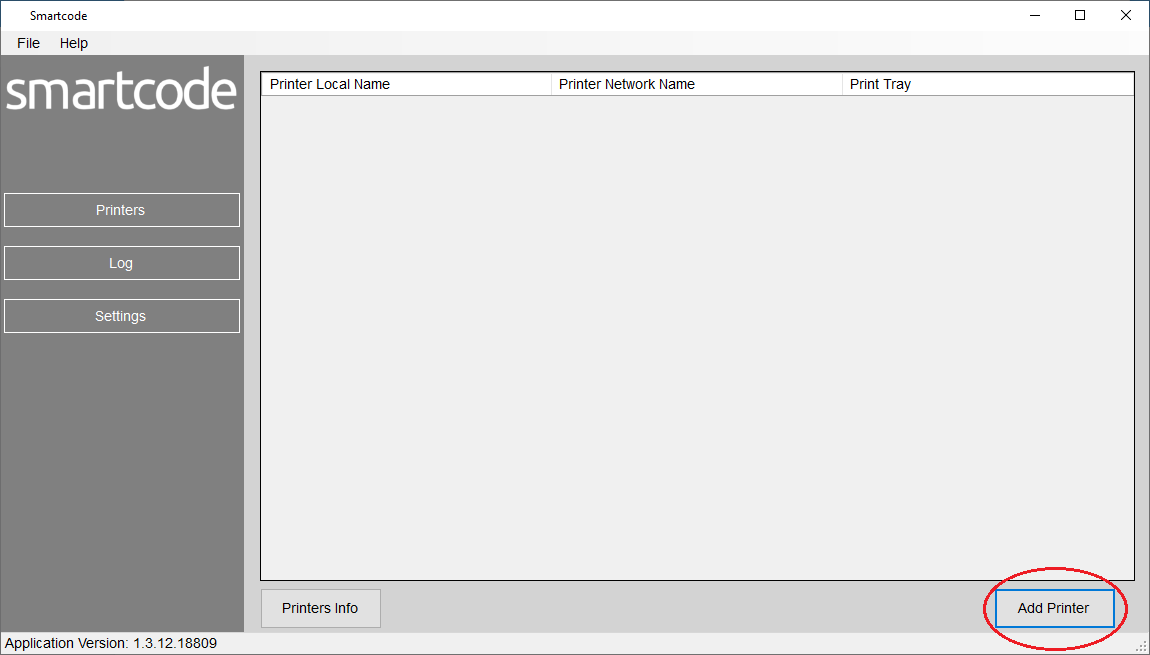
You can then select from a range of printers available on both your local machine and across your network
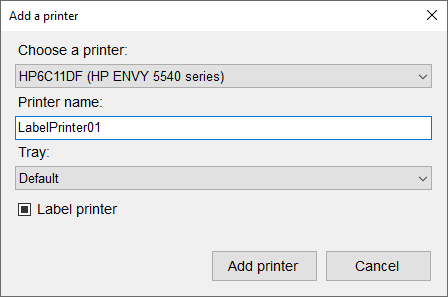
We recommend setting the 'Printer Name' to a short name such as
LabelPrinter01
Please note that every printer will need a unique name. So LabelPrinter01, LabelPrinter02 etc.
Once done you can click the 'Add Printer' button
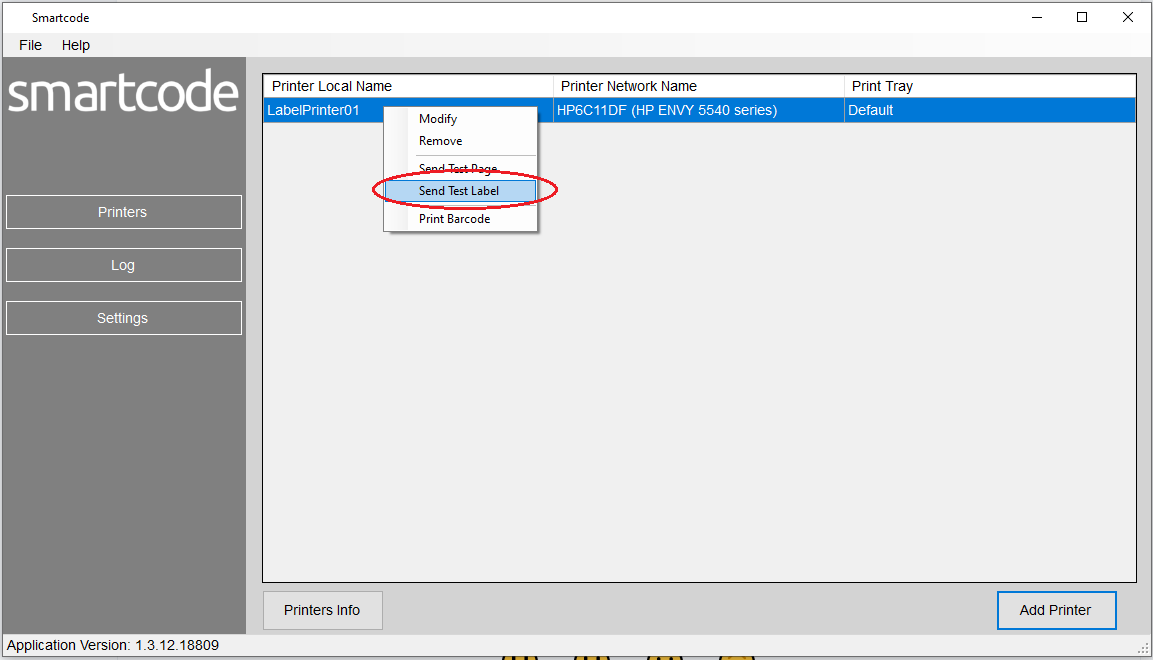
You will now see your newly added printer in the list of available printers. To send a test label to ensure the connection is working correctly right click the printer and select the 'Test Label' option