Adding Amazon as a Channel
How to link your Amazon Seller account with Smartcode WMS To allow Smartcode WMS access to your Amazon account, navigate to 'Channels' in the Smartcode Console !Image Then tap 'Add Channel' next to...
Adding Amazon as a Channel
How to link your Amazon Seller account with Smartcode WMS
To allow Smartcode WMS access to your Amazon account, navigate to 'Channels' in the Smartcode Console

Then tap 'Add Channel' next to Amazon.
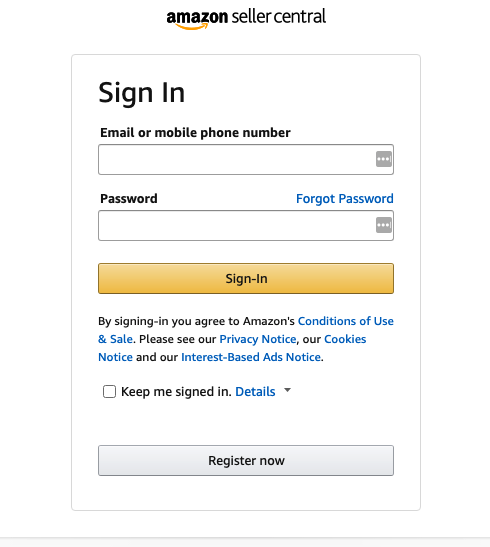
You will then be directed to login to your Amazon Seller Central account (if you are not already logged in)
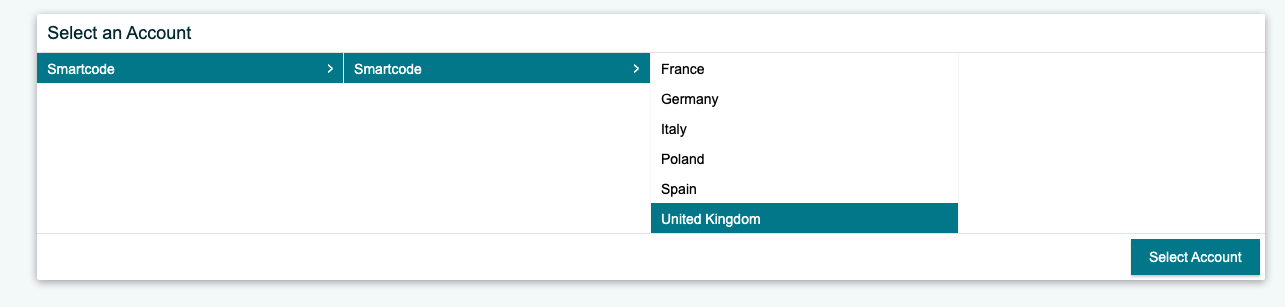
You will then be asked to select at Marketplace, generally this is 'United Kingdom' for most of our customers.
Amazon will then provide a list of data sources that Smartcode WMS requires access to in order to integrate with your account

You should review these, then tick the checkbox if you accept

Then 'Confirm'
You will then be redirected back to the Smartcode console with a confirmation that your account is connected.