Adding an Extended Property in Linnworks
Configuring your Smartcode/Linnworks integration with an extended property In Linnworks.net tap 'My Inventory' !Image Click the SKU of the item that you would like to add an extended property for and...
Adding an Extended Property in Linnworks
Configuring your Smartcode/Linnworks integration with an extended property
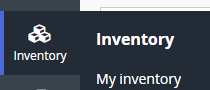
In Linnworks.net tap 'My Inventory'
Click the SKU of the item that you would like to add an extended property for and you will see the Product Details window.
Tap on the Extended Properties tab
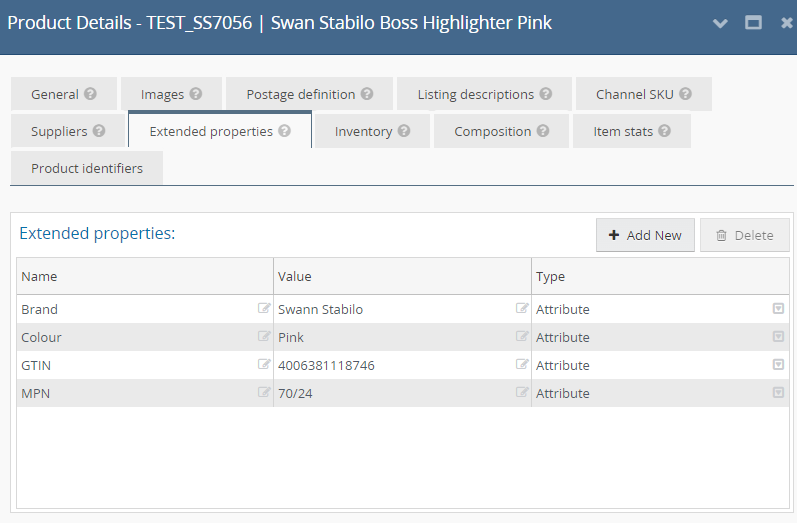
From here you can add new extended properties by clicking the 'Add New' button.
. The extended properties we currently support are
- smartcode_barcode_1: Additional barcode field
- smartcode_barcode_2: Additional barcode field
- smartcode_barcode_3: Additional barcode field
- smartcode_preassembled: Used for composite items that are pre assembled so can use a parent barcode value to scan
- supplier_barcode_[x] and supplier_carton_size_[x]: Supplier carton barcodes used to allow cartons to be specified with a quantity.
Once entered a new extended property would look like this

Did you find this article helpful?