How to add a new user to Sage 50
Sage 50 user addition for Smartcode Data Service The Smartcode Data Service will require a dedicated Sage user logon to connect to the Sage system. To add a new user first of all open Sage 50 and...
How to add a new user to Sage 50
Sage 50 user addition for Smartcode Data Service
The Smartcode Data Service will require a dedicated Sage user logon to connect to the Sage system.
To add a new user first of all open Sage 50 and logon in the usual way. You will need to logon with an account with access to user settings.
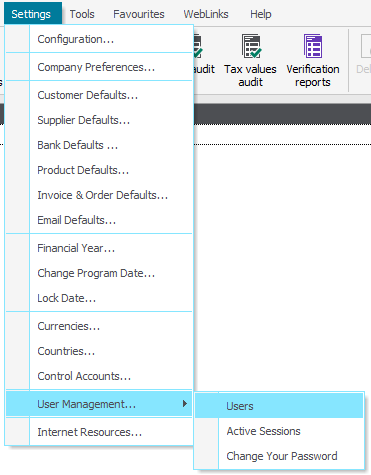
From the top menu select Settings > User Management > Users
When the Users load select 'New'

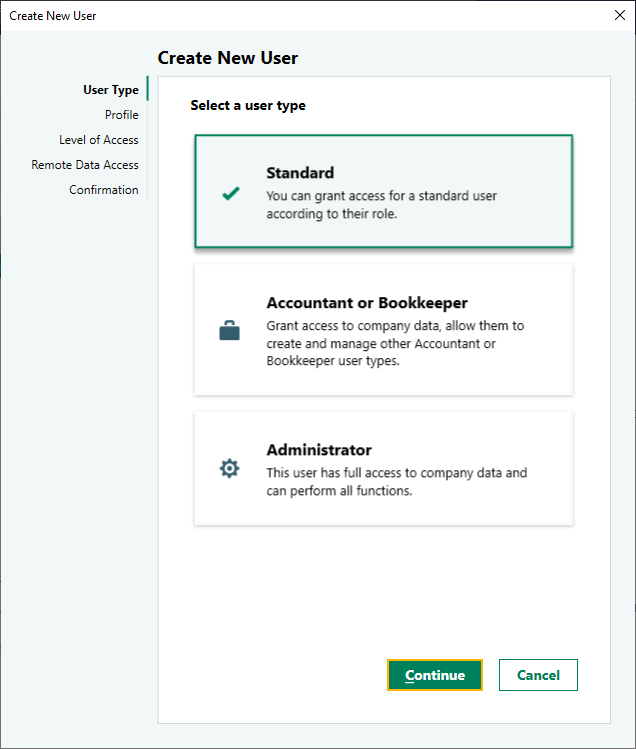
You now have the option to create a new standard user.
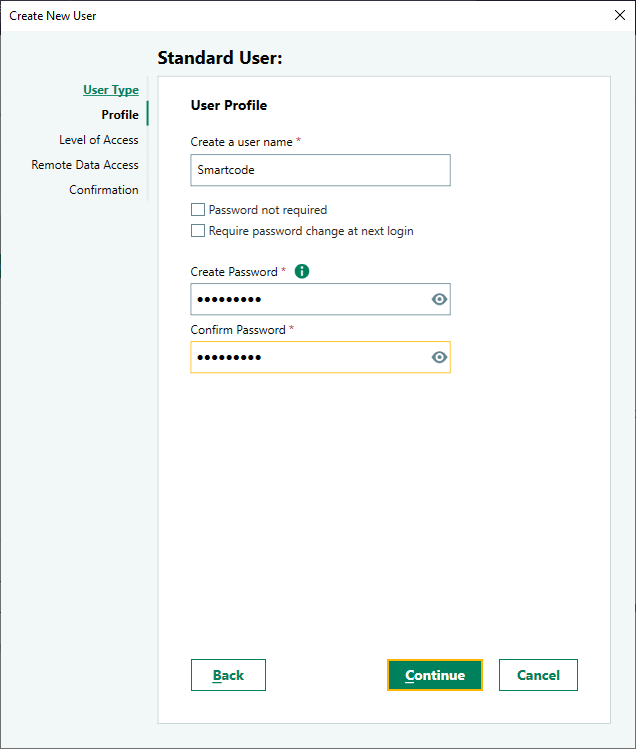
Enter your chosen User name and Password.
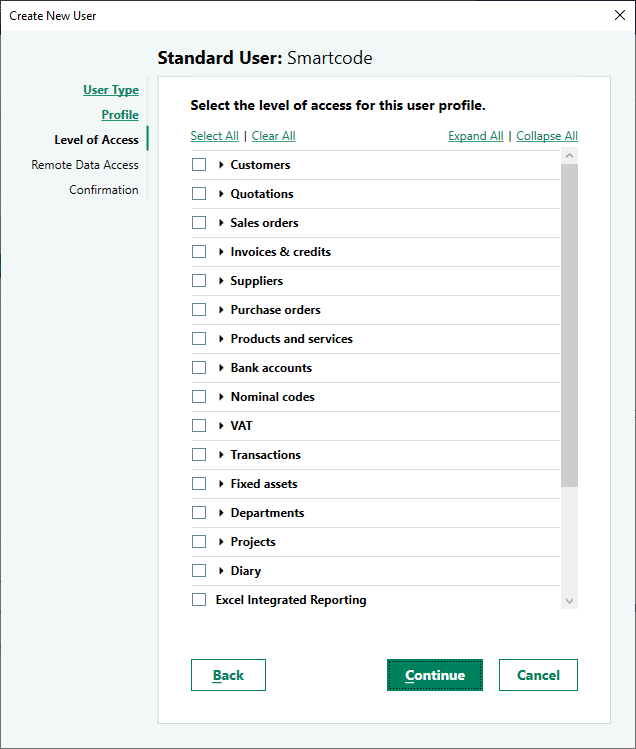
The access may be restricted to the modules required by your Smartcode Data Service.
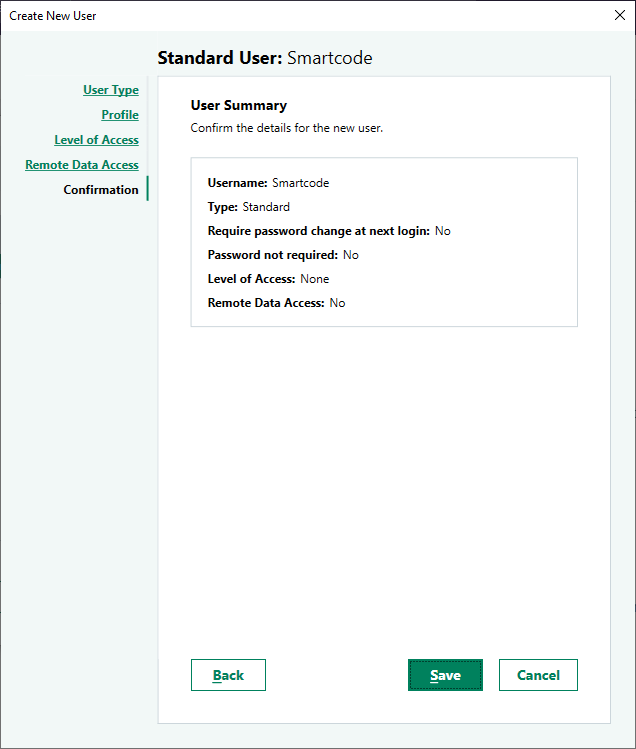
Once complete click Save.