How to add Smartcode to your Shopify store as a private app
To integrate Smartcode into your Shopify store as a private app go to your store admin, which will be on an url similar to https://admin.shopify.com/store/{your store name} Click Settings !Image Then...
How to add Smartcode to your Shopify store as a private app
To integrate Smartcode into your Shopify store as a private app go to your store admin, which will be on an url similar to
https://admin.shopify.com/store/{your store name}
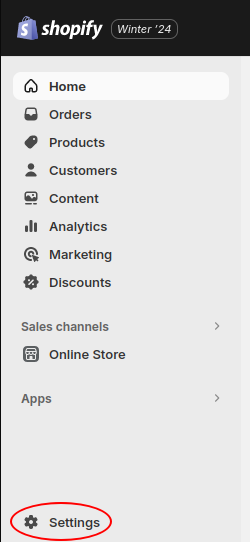
Click Settings
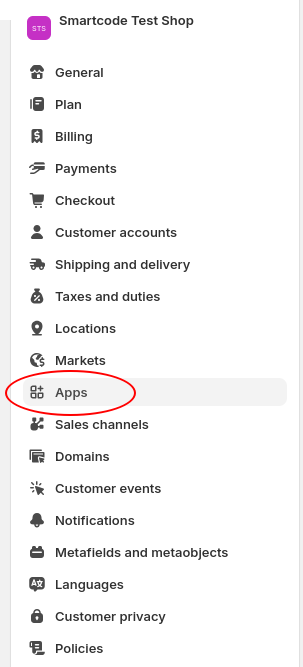
Then Apps
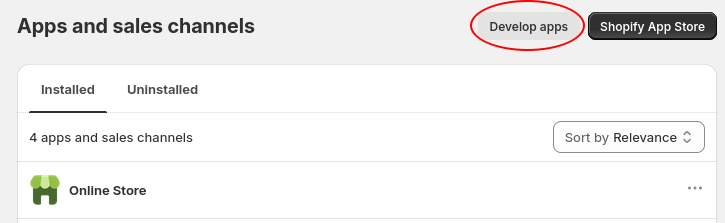
Then Develop Apps
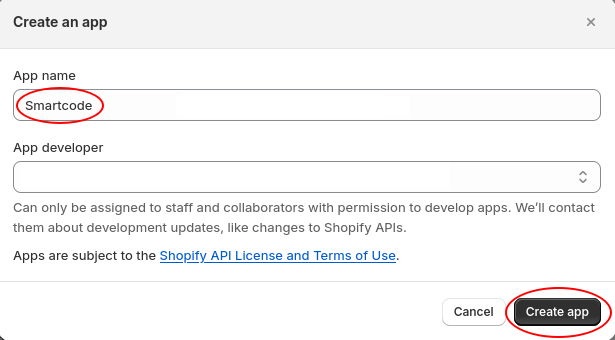
Then Create an app

Enter 'Smartcode' for the app name, then click Create app
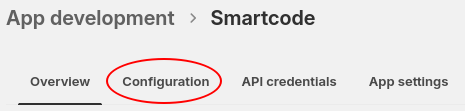
Click Configuration then the Admin API Integration Configure
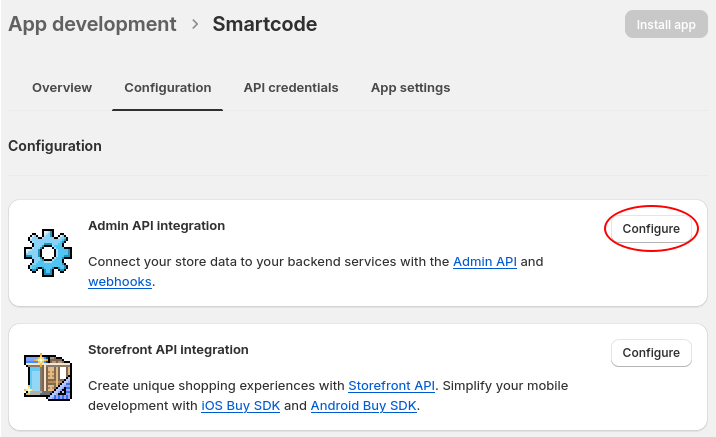
You will then end up here
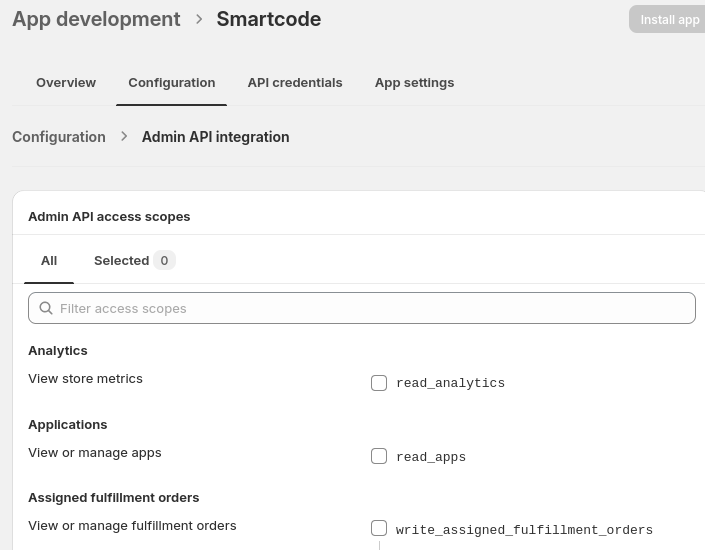
The following permissions need checking
read_orders, write_orders, read_all_orders, read_products, write_products, read_assigned_fulfillment_orders, write_assigned_fulfillment_orders, read_customers, write_customers, read_fulfillments, write_fulfillments, read_inventory, read_merchant_managed_fulfillment_orders, write_merchant_managed_fulfillment_orders, read_order_edits, write_order_edits, read_packing_slip_templates, write_packing_slip_templates, read_product_listings, read_shipping, write_shipping, read_third_party_fulfillment_orders, write_third_party_fulfillment_orders
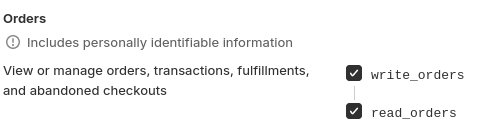
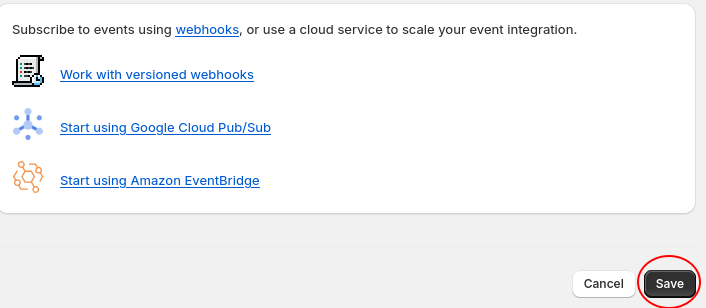
Then save, which is at the bottom
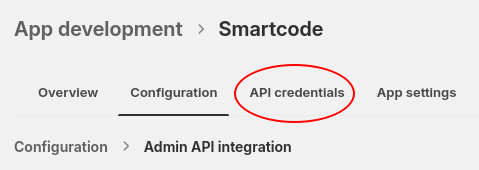
At the top of the page, click API credentials
Then Install app

After the install you’ll see this:
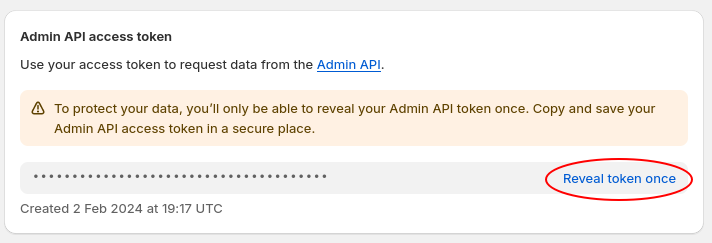
Once you click Reveal token once it will give you a long string of characters, which you can then send to Smartcode support to give us access.