Royal Mail Click & Drop Linnworks Shipping Integration
A Linnworks App used to generate Royal Mail Click & Drop shipping labels To install the app, navigate to the Linnworks Application Store and search for "Royal Mail Click & Drop". This will allow you...
Royal Mail Click & Drop Linnworks Shipping Integration
A Linnworks App used to generate Royal Mail Click & Drop shipping labels
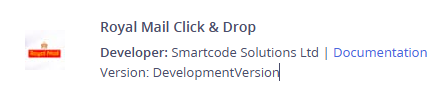
To install the app, navigate to the Linnworks Application Store and search for "Royal Mail Click & Drop". This will allow you to install or manage the application.
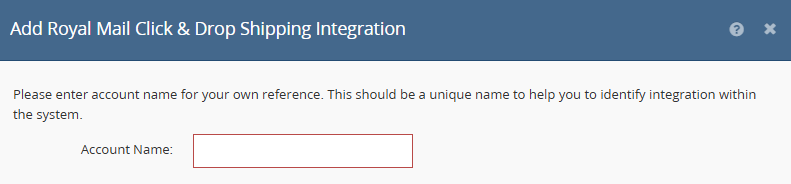
You will then be asked to give the integration an internal Account Name:
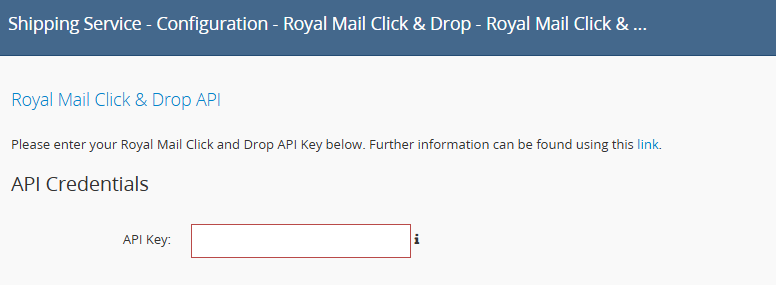
As part of the configuration you will also need to enter your API key. Follow instructions on the link for further information.
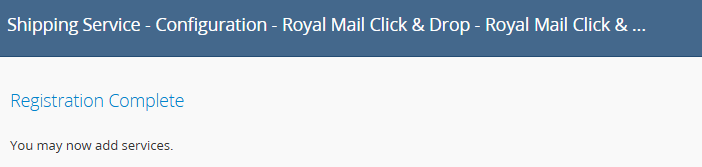
Once the API key has been entered, select the Next button. You should now see the Registration Complete screen below.
The next stage is to configure the Sender Address. From the Shipping Integrations page in Linnworks, select the configuration icon for the Royal Mail Click & Drop entry.
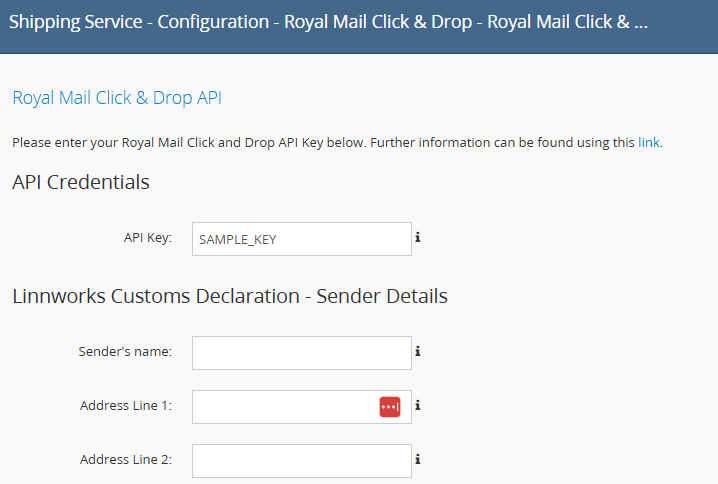
Ensure that the Sender Details are completed as they will be used when producing labels.
Once complete you can now configure the required services. To add specific services to Linnworks, select the "Services" button.
Here you can add any required services to the system.
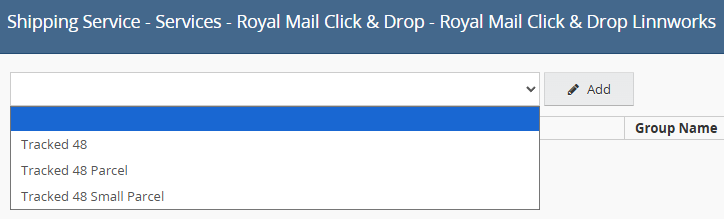
Once added, you can name the service using the "Linnworks Service" text box.

Using the "Edit" button will allow you to configure the service at a greater depth.
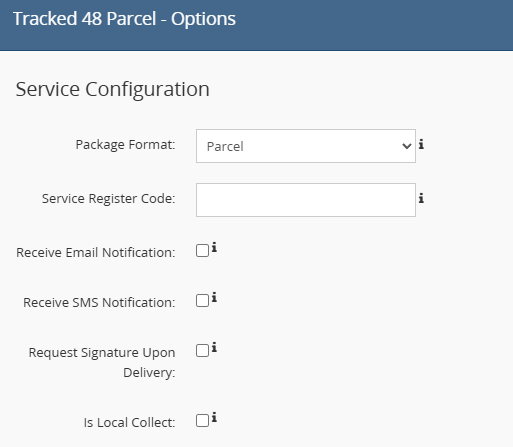
Once all required services have been added, they will become available to use with Linnworks.