How to set carton barcode in Linnworks
To set a carton (also referred to as outer) barcode in Linnworks navigate to 'My Inventory' in Linnworks.net and find the item you want to set the carton barcode for. !Image Tap the SKU to view the...
How to set carton barcode in Linnworks
To set a carton (also referred to as outer) barcode in Linnworks navigate to 'My Inventory' in Linnworks.net and find the item you want to set the carton barcode for.
Tap the SKU to view the product details

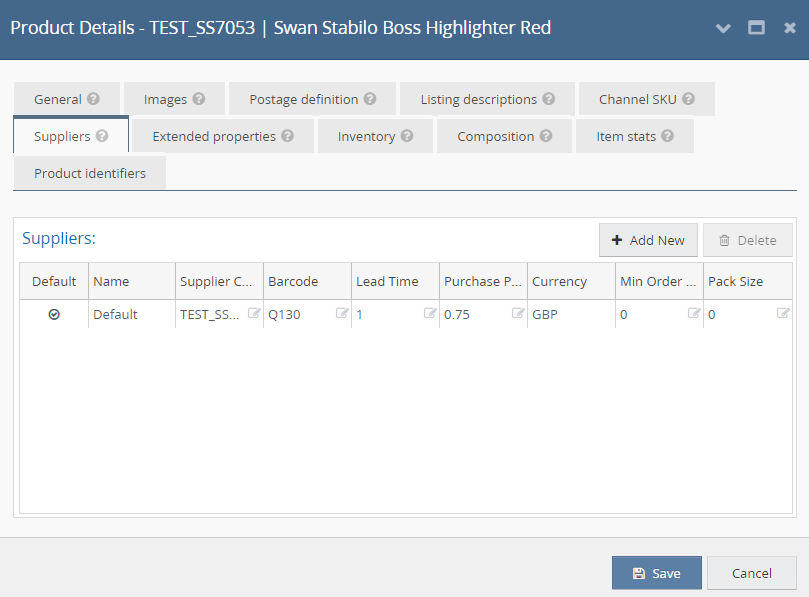
Navigate to the 'Suppliers' tab
Then tap 'Add New'
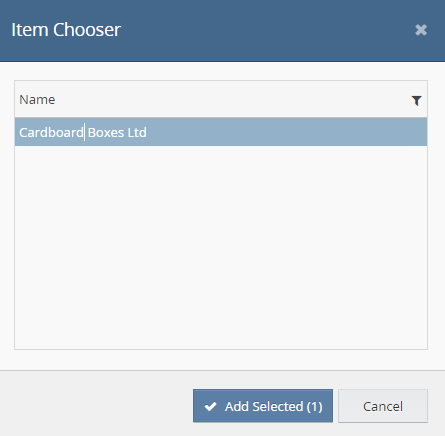
Select your supplier and click 'Add Selected'
You can then edit the pack size to the no of items in the carton

And finally set the barcode value

Did you find this article helpful?