Changing a Stock Level
How to alter an items stock level To change an items stock inventory level from a Smartcode device, first scan the item and the stock lookup screen will be displayed. To change a stock level tap the...
Changing a Stock Level
How to alter an items stock level
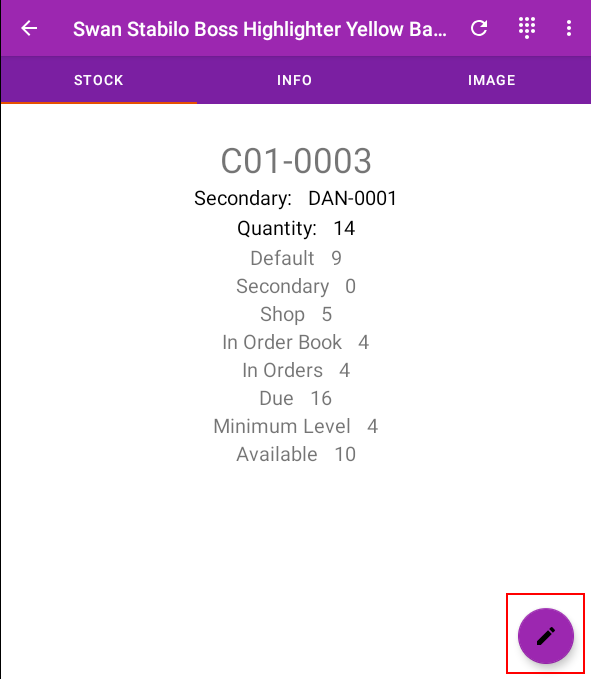
To change an items stock inventory level from a Smartcode device, first scan the item and the stock lookup screen will be displayed.
To change a stock level tap the edit icon in the bottom right
You will then see options for adding, deducting or resetting a stock level

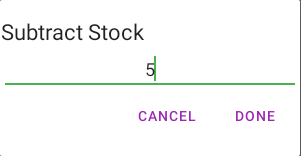
Tapping any option will allow you to enter an amount
Any stock level changes will be reflected live in your source stock data.
Did you find this article helpful?