How to Adjust the Login Timeout
The Login Timeout defines how long the device can be left idle before returning to the PIN input screen You will first need to find your device id, which you can find on the bottom of Scan home. We...
How to Adjust the Login Timeout
The Login Timeout defines how long the device can be left idle before returning to the PIN input screen
You will first need to find your device id, which you can find on the bottom of Scan home. We have a guide here
Once you have your device code, you'll need to enter settings within the App by tapping on the icon in the top left

Scroll down and tap Administrator Settings
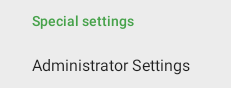
Enter your device code and you will see the device administrator settings. Tap on Login Timeout
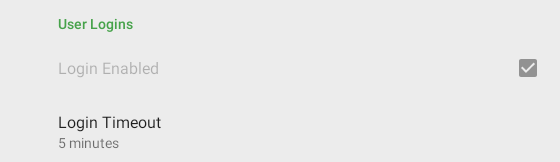
You can now change this up to 30 minutes.
Did you find this article helpful?