Using the Order List 'Order By' Setting
Changing the display order of your pending orders By default, the orders in your order list tab are displayed in the order they are obtained from your ecommerce/stock control system. If you wish to...
Using the Order List 'Order By' Setting
Changing the display order of your pending orders
By default, the orders in your order list tab are displayed in the order they are obtained from your ecommerce/stock control system.
If you wish to customise the order, tap the settings button in the top left
Under 'Orders' you'll find 'Order List Display'

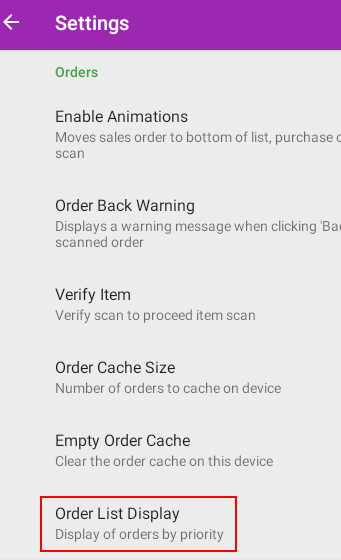
Tap to view the available options.
Did you find this article helpful?