How to Initialise your Device
Setting up a new Smartcode device When you sign up with Smartcode you will be issued with a device code that is used to initialise your device so it is pointing to your Smartcode account. To enter...
How to Initialise your Device
Setting up a new Smartcode device
When you sign up with Smartcode you will be issued with a device code that is used to initialise your device so it is pointing to your Smartcode account. To enter your code
- Install the Smartcode app from the Google Play Store (if not already installed).
- Once installed run the app and you will be presented with the initialisation screen
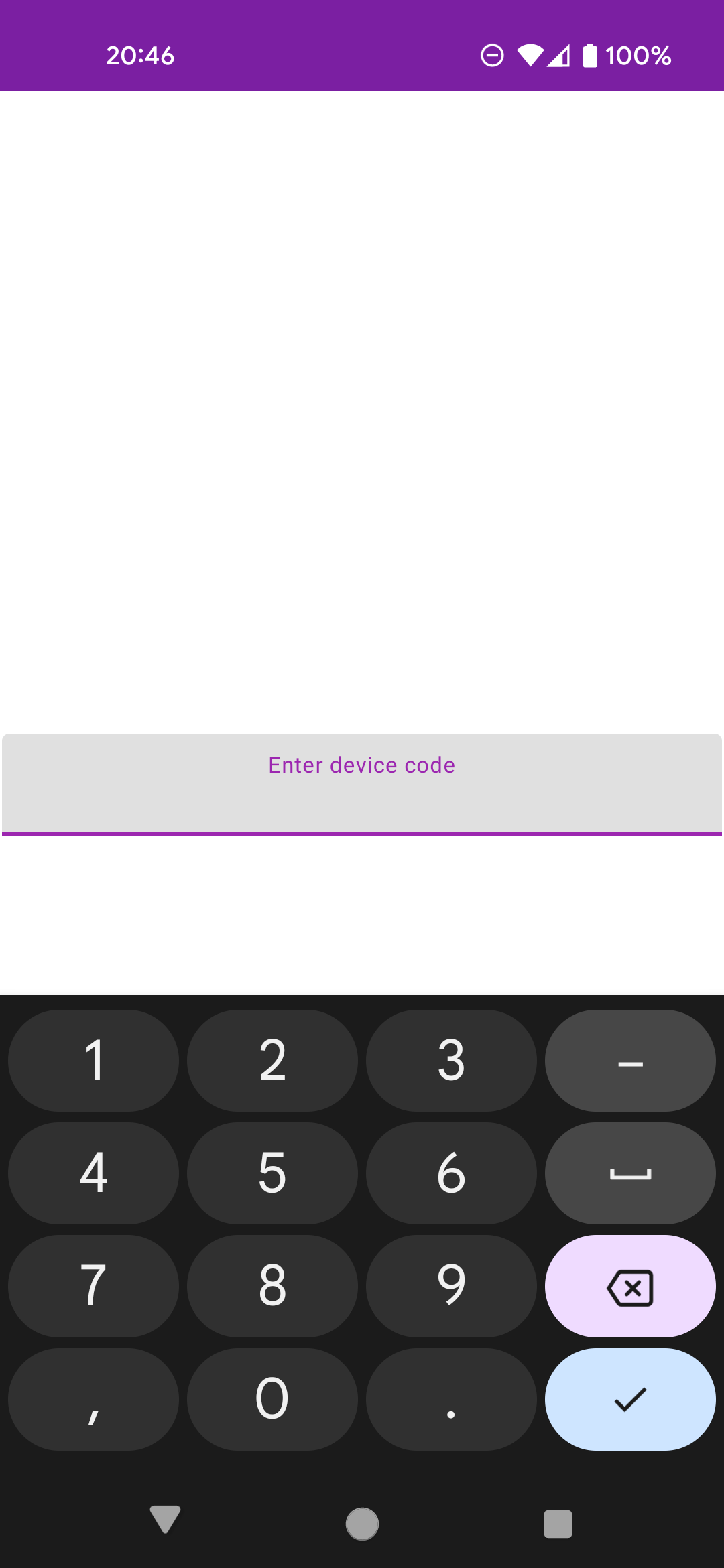
- Enter your device code and tap the 'tick'
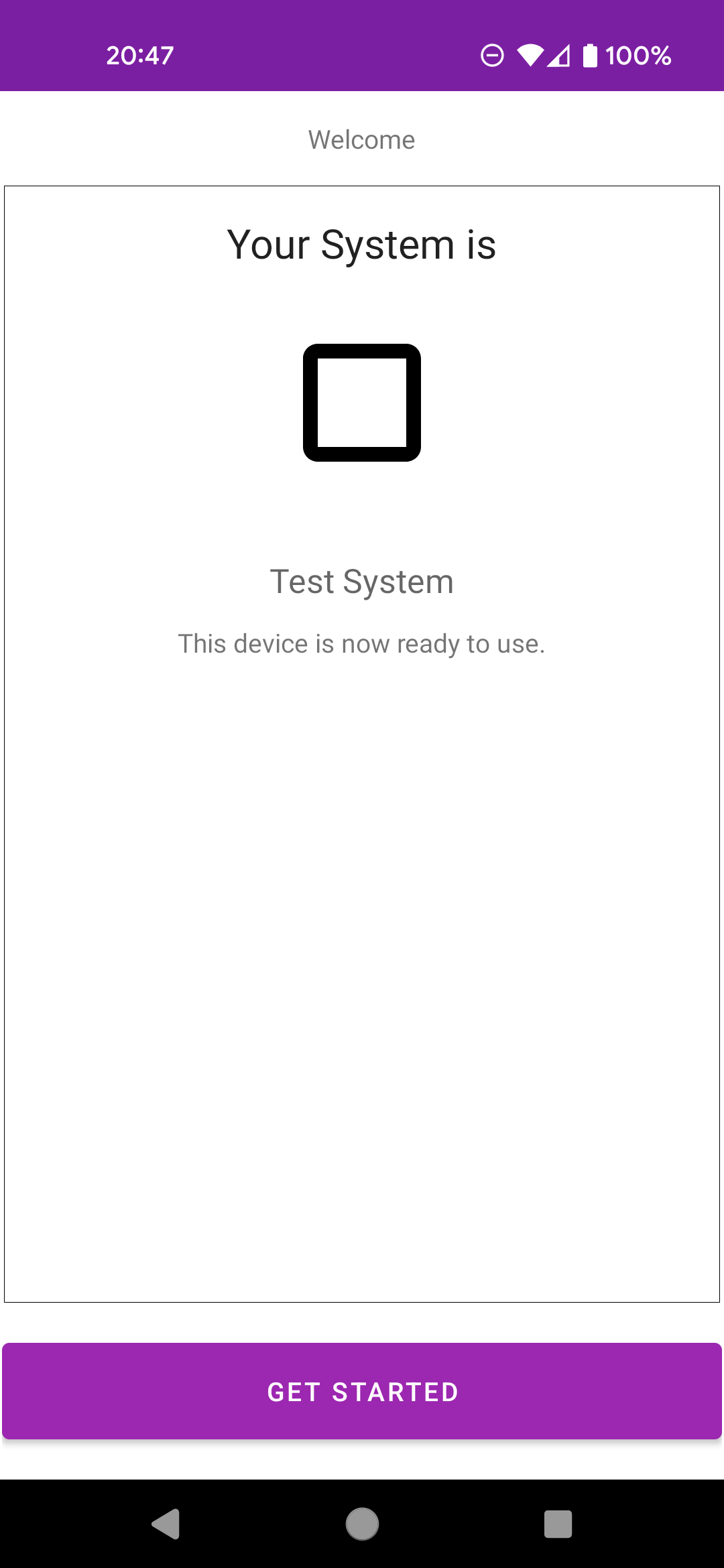
- Your company name will be displayed and you can tap 'Get Started' to start using the application
Did you find this article helpful?