Setting up your new Device
Setting up your new Android device for use with Smartcode If you are setting up a new Android device to use with the Smartcode app you will need to follow the steps below to get up and running. To...
Setting up your new Device
Setting up your new Android device for use with Smartcode
If you are setting up a new Android device to use with the Smartcode app you will need to follow the steps below to get up and running.
To begin, connect your device to wifi.
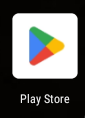
You'll then need to access the Google Play store on the device to download the Smartcode application.
If this is not on the home screen then tap the app drawer icon shown below and Play Store will be in there

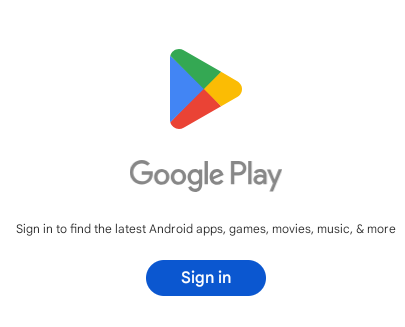
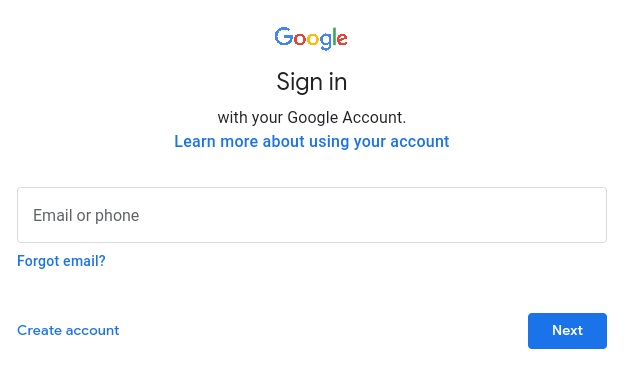
If you have not logged into the Google Play store before you will be prompted to create an account, or sign in to an existing Google account.
You may be offered the option to Use basic device backup
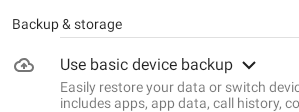
If this device is only to be used for Smartcode, we would recommend against using this service as it can cause problems when logging into a new device and being offered to restore apps and data.
Once signed in you will be able to access the Google Play store and search for the Smartcode app

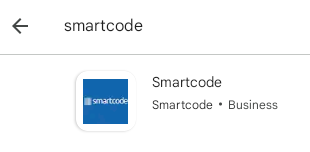
Tap on Smartcode and tap the Install button

Once installed you can open the app and initialise your device.