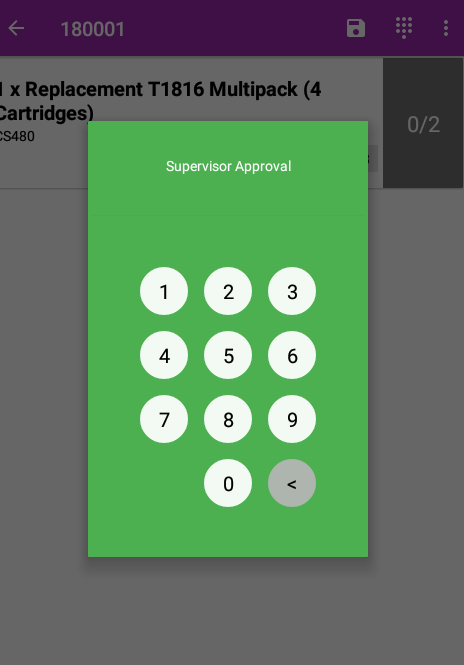
Enabling Supervisor Approval for Manual Overides
Ensuring a manual override has to be approved before use To enable supervisor approval for manual overriding, tap the settings icon in the top left of the Smartcode app !Image You can then scroll...
Enabling Supervisor Approval for Manual Overides
Ensuring a manual override has to be approved before use
To enable supervisor approval for manual overriding, tap the settings icon in the top left of the Smartcode app
You can then scroll down to the bottom of the settings screen and tap 'Administrator Settings'

You will then need to enter your supervisor code to enter the administrator settings screen
Once in 'Administrator Settings' you can locate the 'Manual Quantity Supervisor Approval' setting and enable it.

Now any user attempting to manually override an order line will require supervisor approval to do so